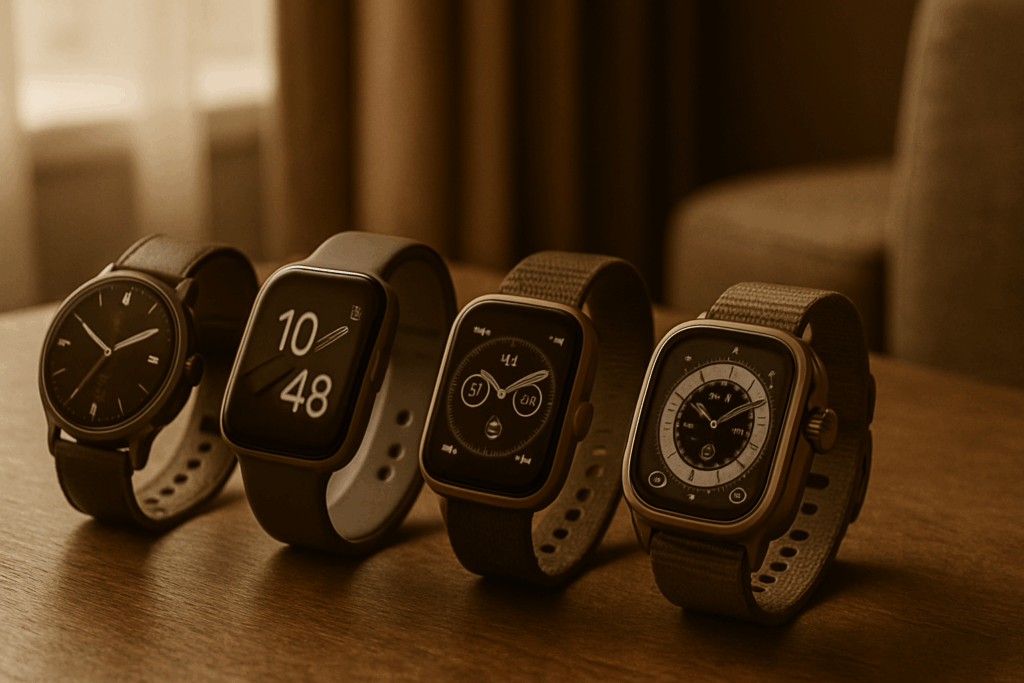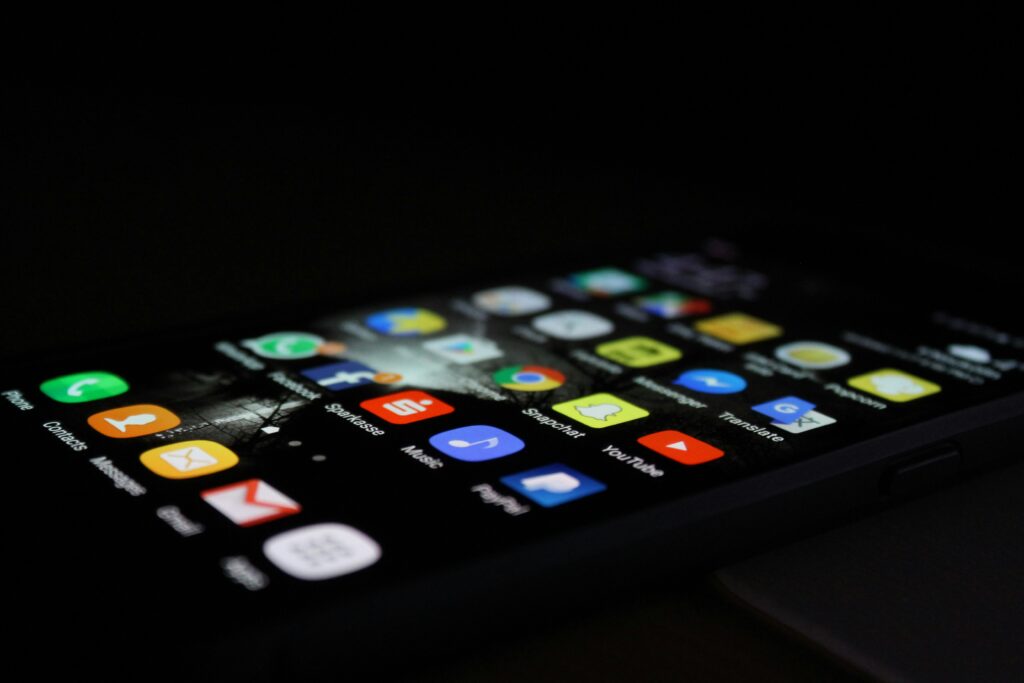
Other than being a constant source of dreaded work email notifications, your phone can actually do a lot to help you thrive in the workplace. The trick is to load it up with high-impact, no-nonsense apps that cut down friction and help you take back control of your time. If you’re ready to turn your phone from a source of distractions into a productivity system, these are the eight app categories to look into.
1.Task and Project Management
Apps in this category are essential for setting your priorities straight and knowing what’s next at all times instead of having to sift through reports or memos.
To-do lists are the simplest. However, don’t underestimate the order a carefully laid out list brings, or the satisfaction of checking items off of it. Conversely, project management apps let you visualize and approach complex long-term goals as a series of smaller, actionable steps.
2.Calendar and Time Management
Our first category helps you grasp the bigger picture; the second one helps you arrange the details on a daily basis. If you don’t schedule something, it might as well not exist. Blocking time off and broadcasting that now protects you from wasting time when it matters.
On the one hand, you’ve got time management and tracking apps. They’re excellent for structuring workdays and identifying time-wasters you might not have been aware of. Calendar and scheduling apps augment these by setting and adapting plans based on changing priorities and availability.
3.Communication and Collaboration
Most projects today require collaborative effort, so anything that streamlines the back-and-forth with bosses or remote colleagues helps. Plus, they drastically cut down the need for meetings.
Depending on your role, you might be able to get away just with basic communication apps. Some use messages and virtual chatrooms, while others rely more on live streaming or video messages. If you’re part of a team, you may need to augment these with collaboration tools that provide features like easy file sharing or workflow integration.
4.Connectivity
You might be a digital nomad or enjoy working on the go. In that case, having a way to ensure you’re always reachable and have a stable internet connection is a number-one priority.
Wi-Fi hotspot apps that use crowdsourcing to show free nearby wireless connections are good in a pinch or for casual browsing. Meanwhile, eSIM apps offer secure mobile traffic at reasonable prices, ensuring continuity regardless of local Wi-Fi availability. They’re excellent for maintaining connectivity if you’re often abroad and like hopping between countries.
5.Note-Taking
From getting the gist out of a long meeting to jotting down that random genius idea you had last Monday night, note-taking apps protect knowledge from the oblivion of our ever-shorter attention spans.
Some are minimalistic and built for speed, perfectly supporting the need to capture information snippets here and now. Others go all out with support for database organization, multimedia, and even project-tracking tools that turn your scribbles into usable knowledge bases.
6.File Storage and Sharing
You likely constantly switch between your phone, laptop, and office desktop. Since current versions of crucial files need to be available at a moment’s notice, apps that offer access to cloud storage are an essential part of your toolkit.
Collaboration and storage tools handle file sharing competently, but dedicated apps have their place. Maybe you just want to give a client a one-off link to a large file without exposing your entire folder structure. Or, you want to make sure that links to sensitive materials expire once the right person has received them.
7.Security and Privacy
Protecting your work and the information surrounding it is non-negotiable. The more apps you use, the harder this becomes if proper safeguards aren’t in place.
Password managers for iPhone, Android or any other OS will let you generate and store unique passwords for each app’s account, while MFA tools prevent credentials from being misused if they’re ever stolen. Meanwhile, VPNs are a must for encrypting the connection when you’re accessing sensitive information or company resources from public Wi-Fi.
8.Distraction Management
All these productivity apps can’t help if you constantly get distracted. While a cure for annoying coworkers hasn’t been found yet, at least you can keep your own unhelpful urges in check.
Website and app blocking tools get rid of the digital distractions you always have access to otherwise. On the other hand, Pomodoro-style or flow state timers help you keep focus more easily once the distractions are dealt with.
 Loren Hursterer is the kind of writer who genuinely cannot publish something without checking it twice. Maybe three times. They came to expert analysis through years of hands-on work rather than theory, which means the things they writes about — Expert Analysis, Latest Technology Updates, Mental Health Innovations, among other areas — are things they has actually tested, questioned, and revised opinions on more than once.
That shows in the work. Loren's pieces tend to go a level deeper than most. Not in a way that becomes unreadable, but in a way that makes you realize you'd been missing something important. They has a habit of finding the detail that everybody else glosses over and making it the center of the story — which sounds simple, but takes a rare combination of curiosity and patience to pull off consistently. The writing never feels rushed. It feels like someone who sat with the subject long enough to actually understand it.
Outside of specific topics, what Loren cares about most is whether the reader walks away with something useful. Not impressed. Not entertained. Useful. That's a harder bar to clear than it sounds, and they clears it more often than not — which is why readers tend to remember Loren's articles long after they've forgotten the headline.
Loren Hursterer is the kind of writer who genuinely cannot publish something without checking it twice. Maybe three times. They came to expert analysis through years of hands-on work rather than theory, which means the things they writes about — Expert Analysis, Latest Technology Updates, Mental Health Innovations, among other areas — are things they has actually tested, questioned, and revised opinions on more than once.
That shows in the work. Loren's pieces tend to go a level deeper than most. Not in a way that becomes unreadable, but in a way that makes you realize you'd been missing something important. They has a habit of finding the detail that everybody else glosses over and making it the center of the story — which sounds simple, but takes a rare combination of curiosity and patience to pull off consistently. The writing never feels rushed. It feels like someone who sat with the subject long enough to actually understand it.
Outside of specific topics, what Loren cares about most is whether the reader walks away with something useful. Not impressed. Not entertained. Useful. That's a harder bar to clear than it sounds, and they clears it more often than not — which is why readers tend to remember Loren's articles long after they've forgotten the headline.